
UI vs UX Design: The Difference and Why It Matters
“We need a UI/UX designer” appears in countless job posts and project briefs, as if the two were one job. They are closely linked, but they solve different problems. Understanding UI vs UX design helps you brief agencies accurately, hire the right people, and diagnose why a product that looks beautiful still fails to convert, or why a product that works perfectly still feels clumsy.
In short: UX design decides what the product should do and how people move through it; UI design decides how each screen looks and responds. This guide explains both in practical terms, with the deliverables, skills and metrics for each.
What Is UX Design?
User experience (UX) design is the process of shaping how a product works for the people who use it, so they can achieve their goals easily, efficiently and with confidence. It covers research, structure, flows and usability, long before colors and fonts are chosen.
The term was popularized by Don Norman in the 1990s to describe every aspect of a person’s interaction with a company and its products. Research organizations such as the Nielsen Norman Group, which Norman co-founded, still use that broad definition. In a digital product team, UX work typically includes:
- User research: interviews, surveys, analytics review and competitor analysis to understand needs and pain points.
- Information architecture: organizing content and features so people can find what they need.
- User flows and journeys: mapping the steps to complete key tasks such as signing up, booking or paying.
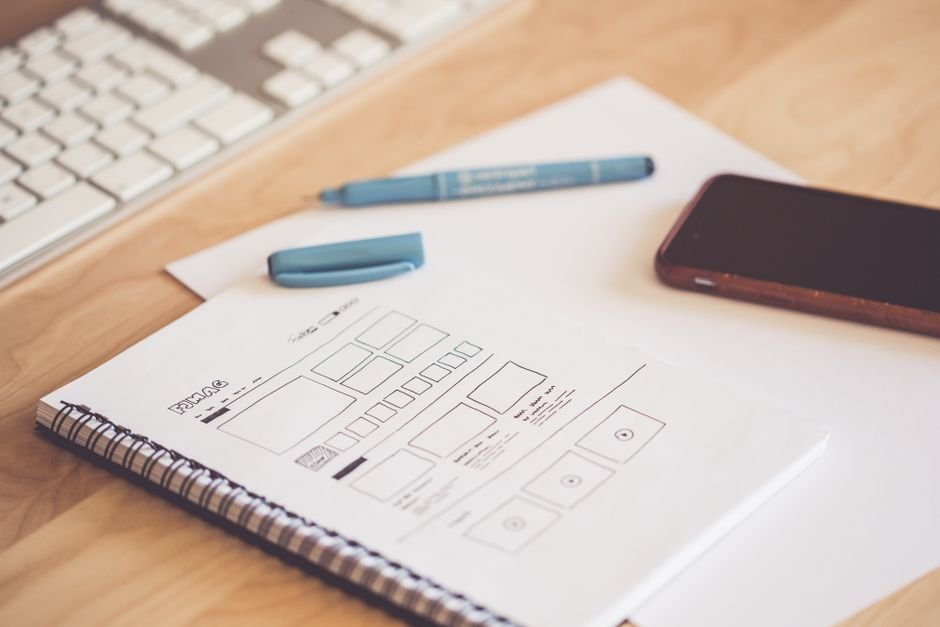
- Wireframes: low-fidelity layouts that define structure and priority without visual styling.
- Usability testing: watching real users attempt tasks with prototypes and fixing what confuses them.
What Is UI Design?
User interface (UI) design is the craft of designing the visual and interactive layer of a product: the screens, components, typography, color, iconography, spacing and motion that users see and touch. Good UI makes the structure defined by UX clear, attractive and consistent.
UI work typically includes:
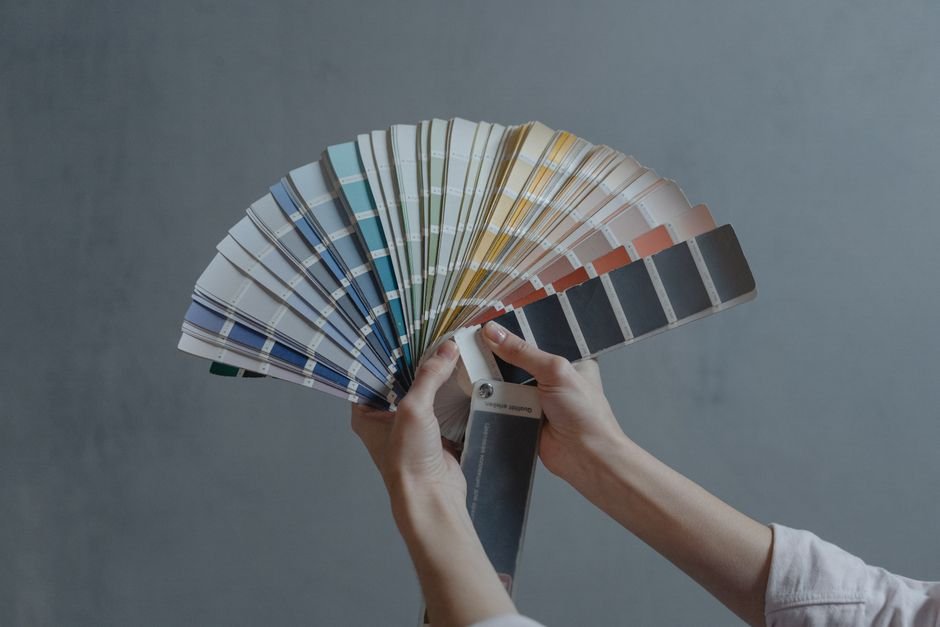
- Visual design: layout grids, type scales, color palettes and imagery that express the brand.
- Component design: buttons, inputs, cards and navigation with every state (default, hover, pressed, disabled, error).
- Interaction and motion: transitions and micro-interactions that give feedback and guide attention.
- Platform conventions: following Apple’s Human Interface Guidelines and Google’s Material Design so apps feel native.
- Design systems: reusable libraries of components and tokens that keep the product consistent as it grows.
UI vs UX Design: Side-by-Side Comparison
The simplest way to separate the two: UX is about the journey and whether it works; UI is about the surface and how it feels. The table below summarizes the main differences.
| Aspect | UX design | UI design |
|---|---|---|
| Core question | Does this solve the user’s problem in the simplest way? | Is each screen clear, consistent and pleasant to use? |
| Focus | Research, structure, flows, usability | Visuals, components, interaction details |
| Key deliverables | Personas, journey maps, sitemaps, wireframes, test reports | High-fidelity mockups, UI kits, design systems, motion specs |
| Typical tools | Figma, FigJam, research and testing platforms, analytics | Figma, icon and illustration tools, prototyping and animation tools |
| Key skills | Interviewing, analysis, information architecture, empathy | Typography, color, layout, visual consistency, attention to detail |
| Success metrics | Task success rate, time on task, drop-off, support tickets | Visual consistency, readability, accessibility compliance, brand perception |
| When it happens | Starts first and continues after launch | Builds on UX structure, iterates alongside development |
An Example: The Same Problem From Both Sides
Consider a food delivery app where many users abandon checkout. A UX designer reviews analytics and runs five usability sessions, finding that users are surprised by delivery fees at the last step and forced to create an account before paying. The UX fix is structural: show fees on the cart screen and allow guest checkout.
A UI designer then makes the new flow work visually: a clear fee breakdown, a primary “Pay” button that stands out, readable error messages next to the field that caused them, and a progress indicator. Either fix alone helps; together they deliver the full improvement.
Why the Difference Matters for Your Business
Confusing UI and UX leads to wrong diagnoses and wasted budget. Teams often redesign the visuals of a product whose real problem is a broken flow, or polish a flow that no one needs.
- Skipping UX produces attractive products that solve the wrong problem or hide key features. Fixing structure after development is far more expensive than fixing wireframes.
- Skipping UI produces products that work but feel untrustworthy or inconsistent, which hurts conversion, especially in finance, health and e-commerce.
- Ignoring accessibility (which spans both disciplines) excludes users and creates legal risk. The W3C’s WCAG guidelines are the standard to design against; see our WCAG 2.2 accessibility guide.
How UI and UX Work Together in a Project
In practice, UX and UI overlap and iterate rather than happening in strict sequence. A typical design phase runs like this:
- Discovery and research (UX): goals, users and constraints. Our guide to UX research methods on a budget shows how to do this quickly.
- Flows and wireframes (UX): structure for key journeys, tested with users.
- Visual direction (UI): moodboards and two or three style options on key screens.
- High-fidelity design and prototype (UI with UX): complete screens in an interactive prototype.
- Usability testing and refinement (both).
- Handoff and design QA (UI): specs, assets and a component library for developers.
For a step-by-step view of this on mobile, read the mobile app design process.
Who Should You Hire?
Early-stage products usually need one strong product designer who covers both UX and UI; larger products benefit from specialists. As a rule of thumb:
- MVP or small product: one product designer with solid UX fundamentals and good visual skills.
- Growing product with several teams: dedicated UX researchers or UX designers, plus UI designers who own the design system.
- Redesign of a mature product: start with UX research to find real problems, then bring in UI to modernize.
When reviewing portfolios, ask UX candidates to explain the problem, research and decisions behind a project, not just show final screens. Ask UI candidates how they built components and handled edge cases such as errors, empty states and long text.
How Much Do UI and UX Design Cost?
Design typically accounts for 10–20% of a digital product’s initial build budget. The indicative ranges below assume an experienced offshore or blended team; your final quote depends on scope, number of screens and the amount of research involved.
| Design scope | Indicative cost (USD) | Timeline |
|---|---|---|
| UX audit of an existing product with recommendations | $3,000 – $10,000 | 1 – 3 weeks |
| UX and UI for an MVP (20–40 screens, clickable prototype) | $8,000 – $25,000 | 4 – 8 weeks |
| Full product design with research, testing and design system | $25,000 – $80,000+ | 2 – 5 months |
Frequently Asked Questions
Is UX design more important than UI design?
Neither is more important; they depend on each other. UX problems usually cost more to fix later, so it pays to invest in UX early, but poor UI can undermine trust and conversion even when the flow is right.
Can one person do both UI and UX?
Yes. Many product designers cover both, which works well for startups and smaller products. As products grow, teams typically specialize.
Does UX design require coding?
No, but understanding how web and mobile apps are built helps designers propose solutions that are realistic to develop and helps them communicate with engineers.
Which comes first, UI or UX?
UX comes first: research, flows and wireframes define what to build. UI follows and the two then iterate together through prototyping and testing.
Get UI and UX Right From the Start
Sigmato’s designers cover both disciplines, from research and wireframes to polished Figma UI design and interactive app and web prototypes. Tell us about your product and we will recommend the right level of design effort for your stage.
Sources and References
