
VR Training Simulations for Enterprises
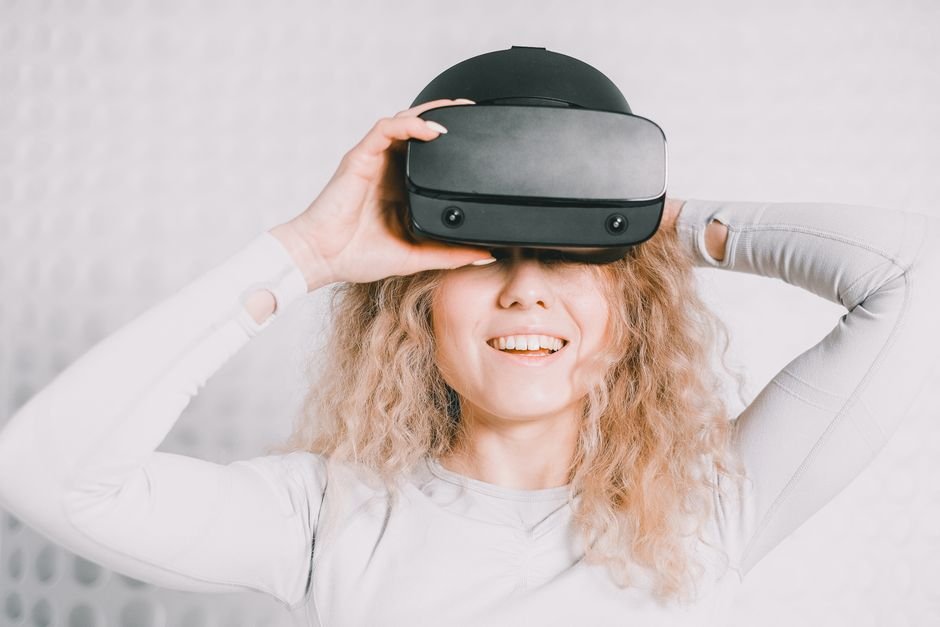
Some skills are hard to teach in a classroom and risky to teach on the job: shutting down a chemical process after a leak, operating a crane in high wind, handling an angry customer or preparing a sterile field in an operating theater. A VR training simulation lets employees practice these situations repeatedly, safely and at the moment they need it, with every action recorded for assessment.
Standalone headsets are now affordable and easy to manage, which has moved VR training from pilot labs into everyday learning programs. This guide covers where VR genuinely outperforms other methods, how simulations are built, what they cost and how to prove they work. It reflects how we plan AR and VR development projects for training teams.
When VR Training Is Worth It
VR training is worth the investment when the real situation is dangerous, expensive, rare or hard to replicate, and when practice rather than knowledge is the goal. For pure information transfer, a video or e-learning module is cheaper.
| Training need | VR fit | Why |
|---|---|---|
| Hazardous procedures (energy, chemicals, mining) | Excellent | Mistakes in VR cost nothing; mistakes on site can be fatal |
| Equipment operation and maintenance | Excellent | No need to take expensive machines out of production |
| Emergency response and evacuation | Excellent | Rare events can be rehearsed often |
| Medical and clinical procedures | Strong | Repeatable practice without patient risk |
| Soft skills (leadership, customer conversations, inclusion) | Strong | Realistic role-play with emotional engagement |
| Policy and compliance knowledge | Weak | Text, video or e-learning is cheaper and faster |
The evidence for immersive learning is encouraging. PwC’s widely cited 2020 study of VR soft-skills training found that learners completed training up to four times faster than in a classroom and reported higher confidence in applying what they learned. Results vary by content, so measure your own outcomes.
Types of VR Training Simulation
VR training ranges from 360-degree video to fully interactive, physics-based simulations. Choosing the right level of interactivity is the biggest cost decision you will make.
360-degree video
Filmed real environments with simple hotspots and quiz questions. Fast and affordable to produce, good for site orientation and awareness, but learners cannot manipulate objects.
Interactive procedural simulation
A 3D environment where learners pick up tools, operate controls and follow (or fail to follow) a procedure. The system tracks each step, time taken and errors. This is the most common format for equipment and safety training.
Branching role-play
Conversations with virtual characters where the learner’s choices, and increasingly their spoken responses analyzed by AI, change how the scenario unfolds. Used for sales, management, healthcare communication and customer service.
Multi-user and twin-based training
Teams train together in a shared virtual space, sometimes built from a digital twin of the real facility. Useful for coordinated emergency drills and complex operations.
How a VR Training Simulation Is Built
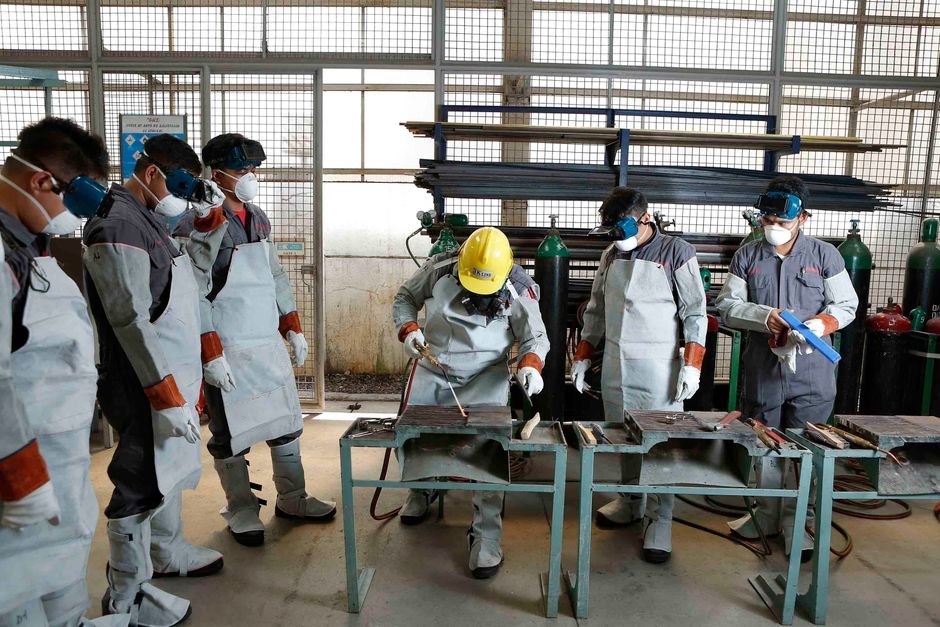
A typical interactive VR training simulation takes three to six months and follows six stages, with subject-matter experts involved throughout.
- Learning design. Define the learning objectives, the skills to assess and what “competent” looks like. Script every step and every common mistake with your experts.
- Environment and asset capture. Collect CAD files, photos and reference video of the real equipment and site.
- Prototype. Build one short scenario to test interaction design and comfort with real learners.
- Full development. Build environments, interactions, scoring, instructor tools and analytics, usually in Unity or Unreal using the OpenXR standard so content runs across headset brands.
- Validation. Experts confirm the procedure is accurate; learners test usability and comfort.
- Deployment. Roll out to managed headsets, connect to your LMS and train instructors.
Engine choice matters for long-term maintenance. Our Unity development team typically recommends Unity for training because of its broad headset support and large talent pool; see the Unity Manual for its XR capabilities.
Hardware, Deployment and LMS Integration
Most enterprises now deploy on standalone headsets, which need no PC or cables and can be managed centrally like phones. PC-tethered headsets are reserved for simulations that need very high visual fidelity.
- Device management. Use a mobile device management (MDM) tool built for XR to push content, lock headsets to training apps and update them remotely.
- Tracking results. Send detailed learning records using the xAPI specification maintained by ADL, or simpler completion data via SCORM, into your learning management system.
- Hygiene and logistics. Plan for replaceable face covers, charging stations and storage.
- Comfort. Keep frame rates high, avoid artificial movement where possible and keep sessions to 15–30 minutes to limit motion sickness.
- Accessibility. Offer seated modes and a desktop or tablet version for learners who cannot use a headset.
VR Training Simulation Cost
Enterprise VR training typically costs from $10,000 for a 360-video module to $250,000 or more for a multi-module interactive program. The ranges below are indicative; your final quote depends on scope.
| Scope | Indicative cost (USD) | Timeline |
|---|---|---|
| 360-degree video module with quizzes | $10,000 – $30,000 | 3 – 6 weeks |
| Single interactive procedural scenario | $30,000 – $80,000 | 2 – 4 months |
| Branching soft-skills scenario with AI dialogue | $40,000 – $100,000 | 2 – 4 months |
| Multi-module program with analytics, instructor tools and LMS | $100,000 – $250,000+ | 4 – 9 months |
Add the cost of headsets, device management licenses and content updates when procedures change. Reusable environments and interaction libraries lower the cost of each additional module significantly.
Common Mistakes to Avoid
Most VR training projects that underperform fail on learning design and rollout, not on graphics. These are the mistakes we see most often:
- Starting with the technology. Begin with a skill gap and a measurable outcome, then decide whether VR is the right tool.
- Chasing photorealism. Accurate procedures, clear feedback and natural interactions matter more than visual detail, and they keep the app running smoothly on standalone headsets.
- Too little expert time. If subject-matter experts are not available to review scripts and builds, inaccuracies reach learners and credibility is lost.
- No plan for scale. A pilot with five headsets in one room is easy. Rolling out to hundreds of sites needs device management, support processes and trained facilitators.
- Ignoring content updates. Procedures and equipment change. Build simulations so steps, text and assets can be updated without a full rebuild.
- Skipping the debrief. The richest learning often happens when an instructor reviews a learner’s recorded performance with them afterward.
Measuring Training ROI
Prove the value of VR training by comparing a VR cohort against a traditional cohort on the outcomes your business already tracks. Useful measures include time to competency, assessment scores, errors in the first months on the job, safety incidents, equipment downtime caused by operator error and savings on travel, trainers and equipment time. For safety programs, align scenarios with the hazards and requirements your regulator sets, such as OSHA standards in the United States.
Frequently Asked Questions
Is VR training more effective than classroom training?
For practical, procedural and high-risk skills, research and enterprise pilots generally show faster learning and better retention than classroom methods. For knowledge-only content, the advantage is smaller and cost usually favors e-learning.
Which VR headset is best for enterprise training?
Most enterprises choose standalone headsets for ease of deployment. Building on OpenXR keeps your content portable, so you can change hardware later without rebuilding the simulation.
Can VR training connect to our existing LMS?
Yes. VR simulations can report completions and scores via SCORM, or detailed step-by-step performance via xAPI, to most modern learning platforms.
Do employees get motion sickness in VR training?
Some do, but good design reduces it greatly: high frame rates, teleport or real-walking movement, short sessions and seated options.
Start Your VR Training Program
Sigmato designs and builds VR training simulations, from a first prototype scenario to full multi-module programs with analytics and LMS integration. We also build companion e-learning apps for learners without headsets. Share your training challenge and we will suggest the right format and budget.
Sources and References
