
Fitness App Development: Features, Tech Stack and Cost

Fitness is one of the most crowded categories in the app stores, yet new products keep finding audiences: strength coaching, women’s health, running clubs, physiotherapy programs, corporate wellness, gym memberships. Successful fitness app development is less about adding every feature and more about picking one clear job, making it effortless to do every day, and handling health data responsibly.
This guide covers the main types of fitness apps, the features that drive retention, wearable integration, the tech stack, privacy rules and what a build costs.
Types of Fitness Apps
Most fitness apps fall into one of six types, and the type you choose determines your features, data needs and budget.
| Type | Examples of what it does | Key technical needs |
|---|---|---|
| Workout and training | Guided routines, strength programs, HIIT timers | Video streaming, exercise library, progress tracking |
| Activity tracking | Steps, runs, rides, distance, heart rate | GPS, background location, wearable sync |
| Nutrition and diet | Calorie and macro logging, meal plans | Food database, barcode scanning, photo logging |
| Coaching and personal training | 1:1 plans, check-ins, chat with trainers | Messaging, scheduling, payments, trainer dashboard |
| Gym and studio management | Class booking, memberships, access | Booking engine, payments, QR or NFC check-in |
| Mindfulness and recovery | Meditation, sleep, stretching | Audio streaming, offline downloads, reminders |
Core Features Every Fitness App Needs
Every fitness app needs fast onboarding, a personalized plan, easy logging, visible progress and reminders that respect the user.
- Onboarding and goal setting: a short questionnaire on goals, experience and available equipment that produces a first plan within a minute or two. See our guide to app onboarding UX for how to keep drop-off low.
- Personalized plans: programs that adapt to the user’s level, schedule and feedback.
- Workout player: clear exercise demos, timers, rest periods, audio cues, and the option to swap exercises.
- Logging: sets, reps, weights, meals or activities logged in seconds, ideally with sensible defaults.
- Progress tracking: charts, personal records, streaks and body measurements.
- Reminders and notifications: scheduled workout prompts and encouragement, not spam.
- Subscriptions: free trial, monthly and annual plans through App Store and Google Play billing.
- Offline mode: gyms often have weak signal, so workouts should play and log offline.
Features That Improve Retention
Retention, not downloads, decides whether a fitness app succeeds, and the strongest levers are social, adaptive and habit features.
- Streaks, badges and weekly goals that reward consistency rather than intensity.
- Challenges with friends or teams, leaderboards and shared workouts.
- Adaptive programs that adjust when users skip sessions instead of punishing them.
- Trainer or community feedback, including form-check videos.
- Home-screen widgets, smartwatch complications and live activities that make starting a workout one tap away.
A thoughtful push notification strategy is part of this; badly timed reminders are one of the fastest ways to get an app uninstalled.
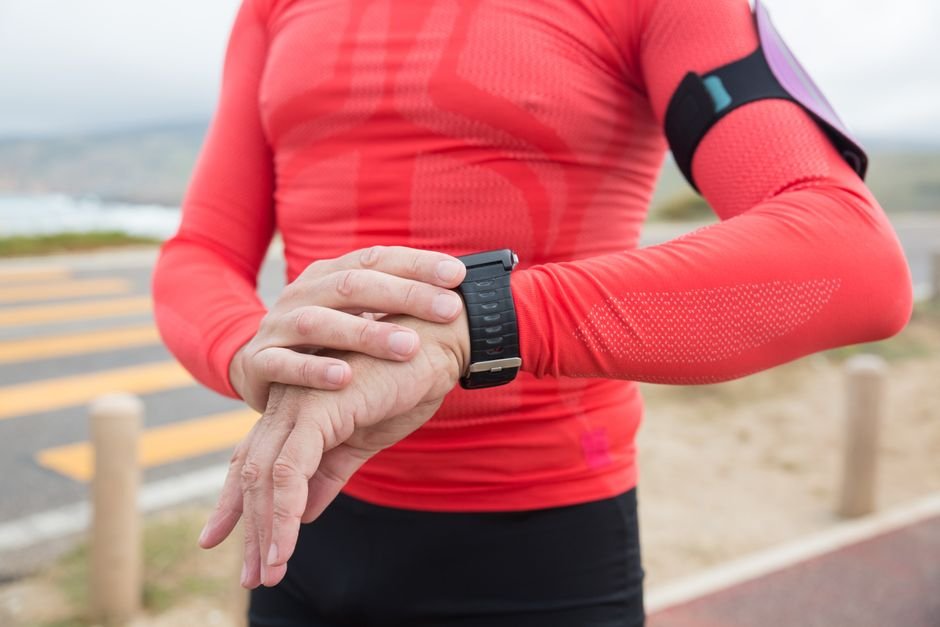
Wearables and Health Data Integration
Most fitness apps should read from and write to the phone’s health platform rather than connecting to every device separately.
On iPhone that means Apple HealthKit, which aggregates data from Apple Watch and many third-party devices. On Android it means Health Connect, Google’s on-device health data platform, which replaces the older Google Fit APIs. Brands such as Garmin, Fitbit, Polar and Oura also offer their own APIs if you need data that does not flow through the phone platforms.
If you want a companion watch app with workout controls and live heart rate, plan it as a separate project. We cover the details in wearable app development for Apple Watch and Wear OS.
Health data comes with platform rules: Apple, for example, does not allow HealthKit data to be used for advertising or sold to data brokers, and both platforms require clear explanations of why you request each data type.
AI Features Worth Considering
AI adds the most value in fitness apps when it personalizes plans or reduces logging effort.
- Plan generation and adjustment based on user feedback and progress.
- Photo-based meal logging that estimates foods and portions for the user to confirm.
- Pose estimation using the phone camera to count reps or flag form issues.
- A conversational coach that answers questions about the user’s own program.
Keep a human-review option for anything resembling medical advice, and be careful with claims. Our AI-powered app development team can help you scope what is realistic for an MVP.
Recommended Tech Stack
A cross-platform stack with a solid backend and video delivery covers most fitness products.
- Mobile: Flutter or React Native for iOS and Android; native Swift and Kotlin modules for HealthKit, Health Connect and watch apps.
- Backend: Node.js (NestJS) or Python (Django) with PostgreSQL.
- Video: a managed streaming service with adaptive bitrate and offline downloads.
- Subscriptions: native store billing, often managed through a subscription platform such as RevenueCat.
- Analytics: event analytics for funnels and cohorts, with personal health data kept out of third-party analytics.
- Cloud: AWS, Google Cloud or Azure.
Monetization Models
Choose your revenue model before design, because it shapes onboarding, paywalls and which features are free.
- Freemium subscription: basic tracking free, plans and coaching paid. The most common model.
- Hard paywall with free trial: works when the value is clear from the first session.
- One-off programs: a 12-week plan sold as a single purchase.
- Marketplace commission: trainers sell plans or sessions and the platform takes a share.
- B2B licensing: gyms, employers or insurers pay per member.
Privacy and Compliance
Fitness data is often health data in the eyes of the law, so treat it as sensitive from the start.
Under the GDPR, data concerning health is a special category that needs explicit consent or another specific legal basis. In the United States, most consumer fitness apps are not covered by HIPAA, but the FTC’s Health Breach Notification Rule applies to many health and fitness apps, and several states have consumer health data laws. If your app works with doctors, insurers or employers’ health plans, HIPAA may apply as well. Practical steps:
- Collect only the health data your features use.
- Ask for consent in plain language and let users withdraw it.
- Encrypt data in transit and at rest.
- Keep health data out of advertising and third-party analytics SDKs.
- Offer account and data deletion inside the app.
How Much Does Fitness App Development Cost?
Fitness app development typically costs $30,000–$60,000 for an MVP and $80,000–$200,000+ for a feature-rich platform.
| Scope | Indicative cost (USD) | Timeline |
|---|---|---|
| MVP: workout or tracking app, one platform type, subscriptions | $30,000 – $60,000 | 3 – 4 months |
| Mid-level: plans, video library, HealthKit and Health Connect, social features | $60,000 – $120,000 | 4 – 7 months |
| Advanced: AI coaching, watch apps, trainer marketplace, admin CMS | $120,000 – $200,000+ | 7 – 12 months |
Remember to budget for content: filming and editing exercise videos can cost as much as some software features. For a feature-by-feature view, see our mobile app development cost guide.
Frequently Asked Questions
How long does it take to build a fitness app?
An MVP usually takes three to four months. Apps with video libraries, wearable integration and coaching tools take four to seven months or longer.
How do fitness apps make money?
The most common model is a subscription with a free trial. Others include one-off program purchases, trainer marketplaces that take a commission, gym membership integration and corporate wellness contracts.
Do fitness apps need to comply with HIPAA?
Most consumer fitness apps do not, because HIPAA applies to healthcare providers, health plans and their business associates. If you work with those organizations, it may. Other laws, such as GDPR and the FTC Health Breach Notification Rule, often still apply.
Can a fitness app work with Apple Watch and Android watches?
Yes. Reading data through HealthKit and Health Connect covers most devices. A dedicated watch app for workout control is a separate build for watchOS and Wear OS.
Build Your Fitness App With Sigmato
Sigmato’s team in Bengaluru and the UK designs and builds fitness, wellness and healthcare mobile apps for iOS and Android. Share your idea and audience and we will help you define an MVP that users come back to.
Sources and References
